Government financial management has become increasingly digital in Pakistan, allowing departments to monitor budgets and expenditures more efficiently than ever before. One of the most important tools introduced under the Project to Improve Financial Reporting and Auditing (PIFRA) is the DDO BER (Drawing and Disbursing Officer Budget Execution Report).
The DDO BER enables government officers to monitor their allocated budget, review monthly expenditures, and ensure public funds are utilized according to approved financial rules. Whether you are a Drawing and Disbursing Officer (DDO), an accounts official, or a government employee responsible for departmental finances, understanding how the PIFRA DDO BER works can help you maintain accurate financial records and improve budget planning.
This guide explains everything you need to know about PIFRA DDO Budget Check, DDO Monthly Expenditures, DDO BER Login, and common issues users experience in 2026.
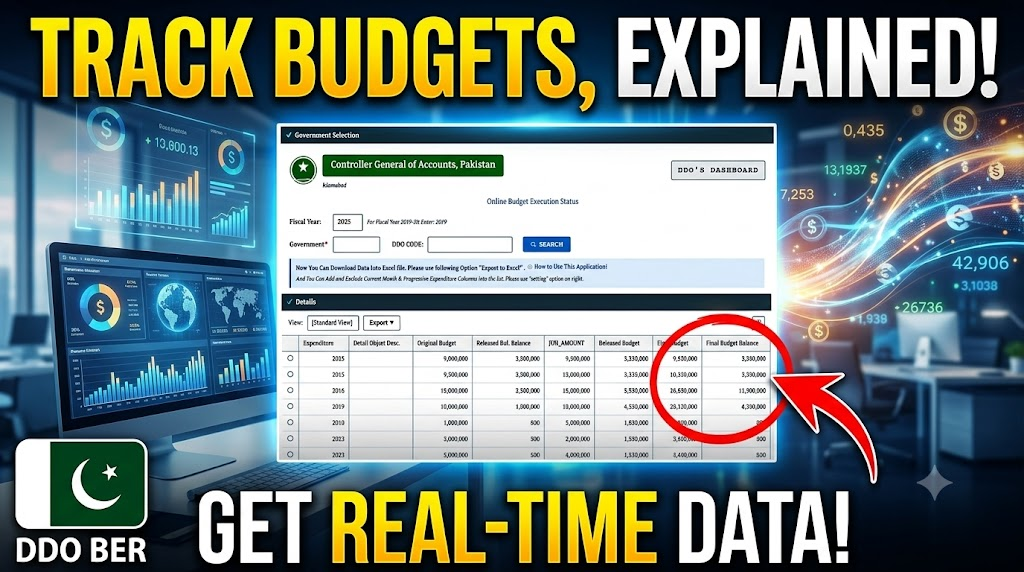
PIFRA DDO BER stands for Drawing and Disbursing Officer Budget Execution Report. It is a financial report generated through the PIFRA system that allows government departments to monitor how much of their approved budget has been spent during a financial year.
Instead of relying on manual records, DDOs can use the BER to review real-time financial information, compare expenditures against allocated funds, and make informed decisions before approving future expenses.
The report serves as an essential financial management tool for maintaining transparency, accountability, and proper utilization of government resources.
| Expenditure | Original Budget | Fiscal Year | Re-Appropriation (-) | Surrender | Supplementary Budget | Re-Appropriation (+) | Rel-Balance | Final Budget Balance | Object Code | Final Budget | Release | |
|---|---|---|---|---|---|---|---|---|---|---|---|---|
Every government department receives an approved budget for salaries, operational expenses, development projects, and other official activities. Monitoring this budget manually can be time-consuming and prone to errors.
The DDO BER simplifies this process by providing an organized summary of departmental spending.
Some major benefits include:
- Better financial planning
- Accurate expenditure monitoring
- Improved budget control
- Enhanced transparency
- Easier audit preparation
- Reduced risk of overspending
- Faster financial reporting
Government officers can quickly identify where funds are being utilized and whether sufficient budget remains for upcoming expenditures.
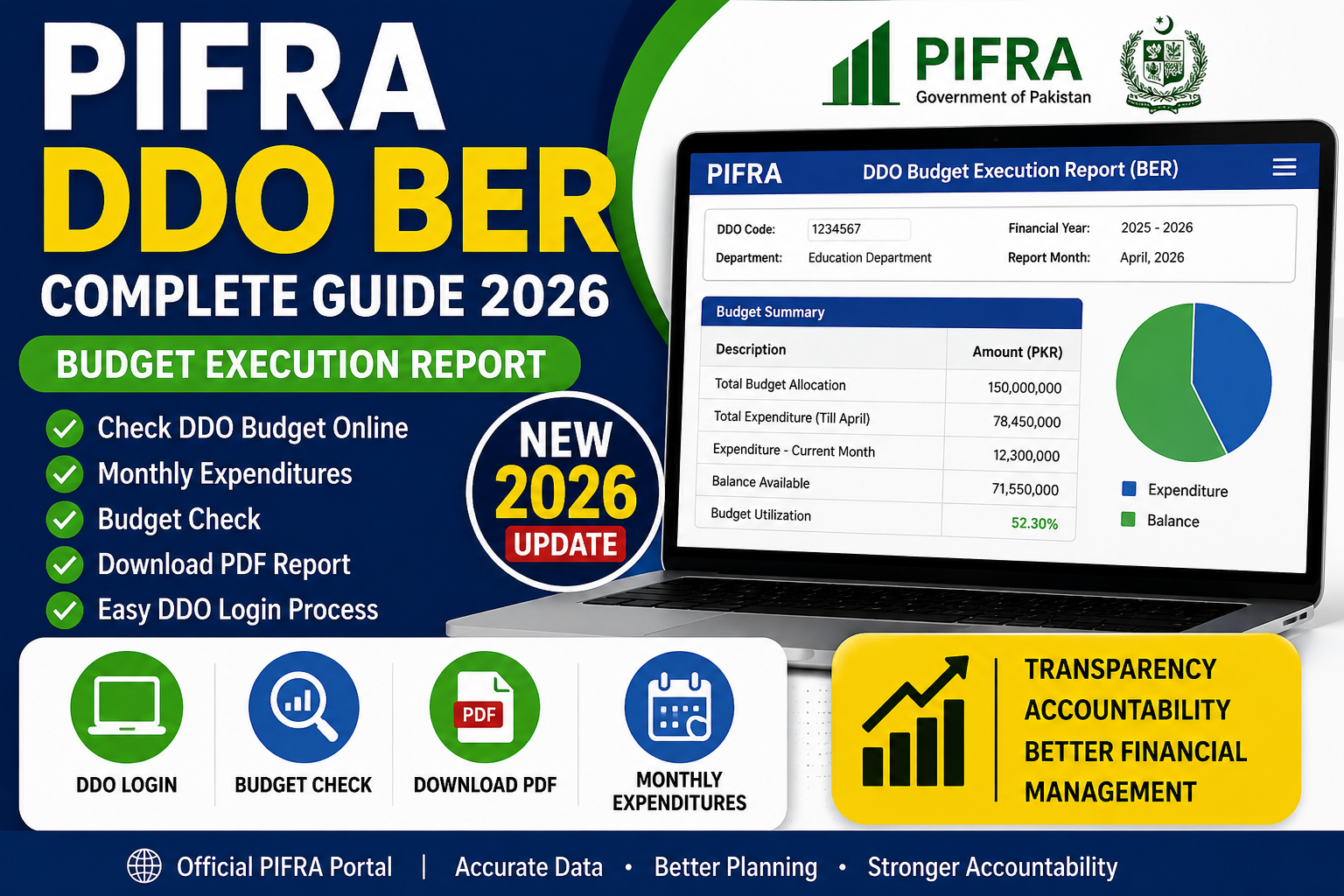
A Budget Execution Report provides a comprehensive overview of departmental financial activities.
Typically, it includes:
- Department name
- DDO Code
- Financial year
- Budget allocation
- Revised budget (if applicable)
- Monthly expenditures
- Total expenditure to date
- Remaining budget balance
- Object-wise expenditure
- Grant details
- Head of account
- Budget utilization percentage
These details help officers make informed financial decisions throughout the fiscal year.
Checking your departmental budget online has become much easier through the PIFRA system.
Follow these simple steps:
Step 1
Open the official PIFRA portal using your preferred web browser.
Step 2
Log in using your registered DDO credentials.
Step 3
Navigate to the Budget Execution Report (BER) section.
Step 4
Select the required:
- Fiscal Year
- Department
- Reporting Month
Step 5
Click Generate Report to view your latest budget information.
You can also download or print the report for departmental records.
Many departments require printed expenditure reports for meetings, audits, and financial reviews.
The PIFRA system allows authorized users to download their DDO Monthly Expenditure Report in PDF format after generating the Budget Execution Report.
The PDF usually contains:
- Monthly expenditure summary
- Budget balances
- Object code details
- Department-wise spending
- Financial totals
Keeping PDF copies is helpful for maintaining official records and future reference.
The Budget Check feature allows Drawing and Disbursing Officers to compare approved budgets with actual expenditures.
Regular budget checking helps departments:
- Prevent unnecessary spending
- Monitor remaining funds
- Improve financial discipline
- Prepare annual financial statements
- Avoid budget shortages before the fiscal year ends
Many departments now review their BER every month to ensure expenditures remain within approved limits.
The 2026 version of the PIFRA reporting system offers improved accessibility and better reporting tools.
Monthly expenditure reports now provide clearer financial summaries with enhanced report layouts, making it easier for government officers to analyze spending patterns throughout the year.
Departments can quickly compare monthly expenditures with previous months to identify unusual increases or decreases in spending.
Authorized government officers can access the DDO BER through their official login credentials.
Only registered users with valid departmental authorization can view confidential financial reports.
If login credentials are incorrect or inactive, users should contact their District Accounts Office or relevant finance department for assistance.
Using the Budget Execution Report offers several practical benefits.
Better Budget Control
Departments can continuously monitor available funds before approving new expenditures.
Financial Transparency
Every recorded transaction contributes to a transparent financial system that supports accountability.
Accurate Record Keeping
The BER serves as an official financial reference for audits, inspections, and departmental reviews.
Faster Decision-Making
Since budget information is readily available, officers can make financial decisions more confidently.
Improved Resource Planning
Departments can distribute available funds efficiently throughout the fiscal year.
Common Reasons Why DDO BER May Not Work
Occasionally, users experience issues while accessing their reports.
Common reasons include:
- Incorrect login credentials
- Invalid DDO code
- Server maintenance
- Delayed monthly data updates
- Internet connectivity issues
- Browser cache problems
- Departmental registration issues
Most temporary issues are resolved shortly after scheduled system updates.
Tips for Using DDO BER Efficiently
To get the best experience:
- Review your BER every month.
- Download PDF copies for future reference.
- Verify department details before generating reports.
- Keep login credentials secure.
- Compare expenditures against annual allocations.
- Report any discrepancies to the Accounts Office immediately.
Following these practices helps maintain accurate financial records and improves departmental accountability.
Frequently Asked Questions (FAQs)
How to check DDO budget online?
Authorized Drawing and Disbursing Officers can log into the official PIFRA portal using their credentials, open the Budget Execution Report section, select the desired month and fiscal year, and generate the latest budget report.
What is the DDO position code?
A DDO Position Code is a unique identification number assigned to a Drawing and Disbursing Officer. It identifies the officer and their department within the government financial management system and is used for processing budgets and financial reports.
How to check PIFRA account?
You can check your PIFRA registration status by logging into the relevant PIFRA service or confirming your registration through your department’s Accounts Office. Government employees can also verify whether their email is registered for receiving salary slips.
Why is DDO BER not working?
The DDO BER may not work due to incorrect login credentials, temporary server maintenance, delayed report generation, browser issues, or incomplete departmental data updates. If the issue continues, contact your District Accounts Office for assistance.
What is PIFRA DDO Monthly Expenditures PDF?
It is a downloadable PDF version of the Budget Execution Report containing monthly departmental expenditures, budget allocations, and remaining balances for official use.
What is PIFRA DDO Budget Check?
PIFRA DDO Budget Check is a feature that allows authorized officers to monitor budget allocations, review expenditures, and track available balances through the Budget Execution Report.
What is PIFRA DDO Monthly Expenditure 2026?
The 2026 Monthly Expenditure Report provides updated financial information for the current fiscal year, including departmental spending, budget utilization, and available balances.
What is WWW PIFRA Budget Check DDO Login?
It refers to the official online login system where authorized Drawing and Disbursing Officers access their Budget Execution Reports and other financial information.
What is PIFRA DDO Monthly Expenditures Login?
This is the secure login process used by authorized government officers to access monthly expenditure reports through the official PIFRA system.
What is DDO BER?
DDO BER (Drawing and Disbursing Officer Budget Execution Report) is an official financial report that displays budget allocations, monthly expenditures, cumulative spending, and remaining balances for government departments.
Conclusion
The PIFRA DDO BER has become one of the most valuable financial reporting tools for government departments in Pakistan. It enables Drawing and Disbursing Officers to monitor departmental budgets, review monthly expenditures, and maintain financial transparency throughout the fiscal year.
By checking the Budget Execution Report regularly, departments can control spending, improve planning, and prepare for audits with confidence. The enhancements introduced in 2026 have made the system faster, more user-friendly, and easier to access, allowing officers to retrieve accurate financial information whenever required.
Whether you need to perform a PIFRA DDO Budget Check, download a Monthly Expenditure PDF, or review your department’s financial performance, the DDO BER provides the information necessary for responsible and efficient management of public funds.