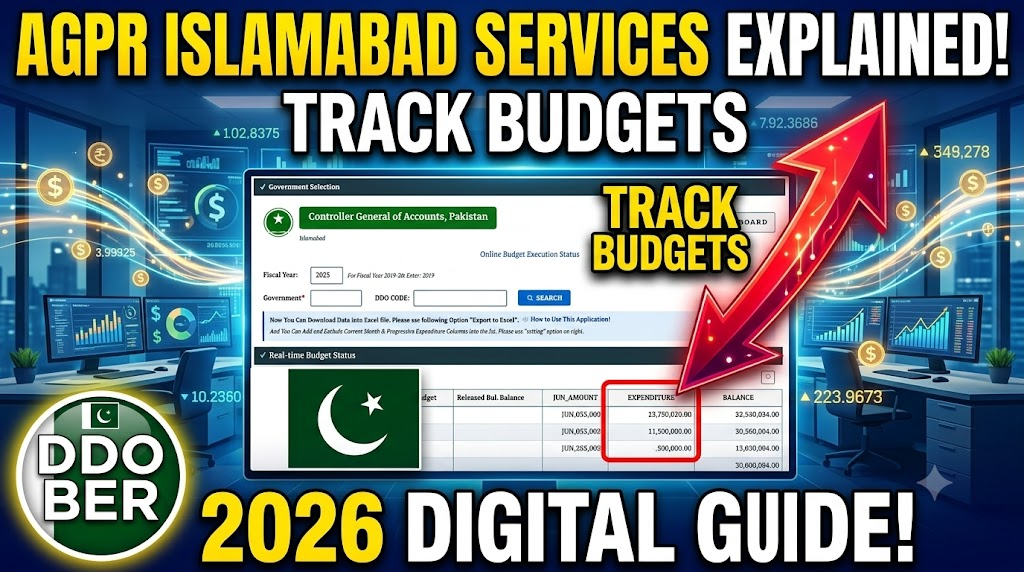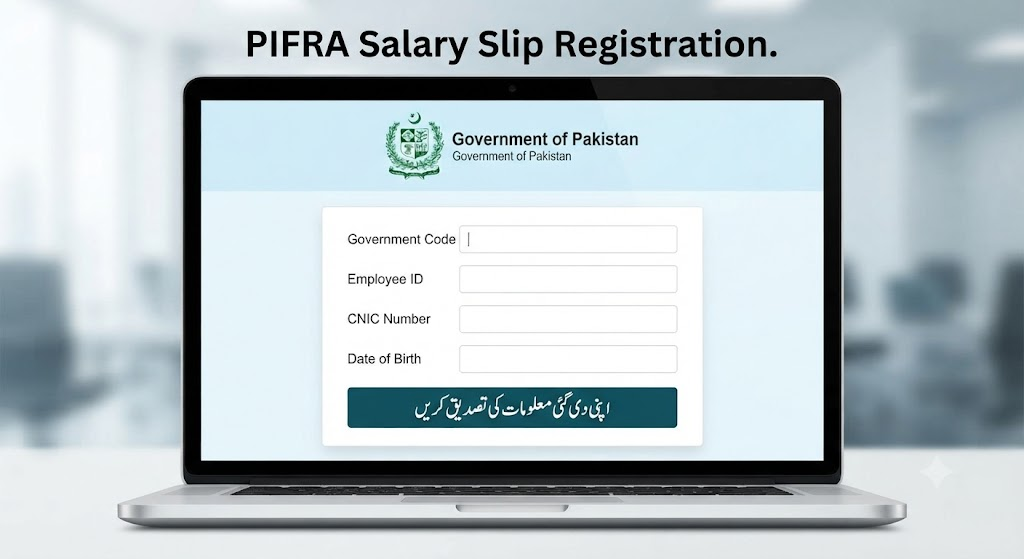
The Project to Improve Financial Reporting and Auditing (PIFRA) represents one of the most significant public sector financial reforms in Pakistan. Developed under the oversight of the Controller General of Accounts (CGA) and powered by the Financial Accounting and Budgeting System (FABS) SAP-ERP engine, this centralized network replaced slow, error-prone manual accounting with real-time electronic auditing.
Central to this digital treasury infrastructure is the PIFRA Vendor Number—a unique alphanumeric profile code assigned to any person, commercial firm, or public servant receiving payments from federal, provincial, or district treasuries.
Whether you are a commercial contractor delivering goods, a government employee waiting for salary reimbursements, or a pensioner receiving monthly benefits, possessing an active, properly configured vendor number is essential.
This comprehensive guide breaks down what a PIFRA Vendor Number is, why it is mandatory, how to register step-by-step, how to trace it online, and how to resolve common payment glitches.
A PIFRA Vendor Number is a permanent digital identity code generated within the government’s centralized SAP-FABS accounting system. It links your verified identity (CNIC or NTN) directly to your official bank credentials (IBAN) and departmental billing records.
  ┌────────────────────────────────────────────────────────┐
  │                 CENTRAL FABS DATABASE                  │
  ├────────────────────────────────────────────────────────┤
  │                                                        │
  │   [ National Identity ]      [ Banking Details ]       │
  │    • Individual CNIC          • Bank Name & Branch     │
  │    • Business NTN/STN         • 24-Digit IBAN          │
  │             │                          │               │
  │             └─────────────┬────────────┘               │
  │                           │                            │
  │                           ▼                            │
  │             ┌───────────────────────────┐              │
  │             │   PIFRA VENDOR NUMBER     │              │
  │             │  (Unique System Profile)  │              │
  │             └─────────────┬─────────────┘              │
  │                           │                            │
  │                           ▼                            │
  │               [ DIRECT CREDIT SYSTEM ]                 │
  │          • Real-Time Electronic Transfer               │
  │          • Tax Deduction Records                       │
  │          • Automated Payment Receipts                  │
  └────────────────────────────────────────────────────────┘
Before the introduction of this centralized database, government payments were issued via paper cheques or manual ledger postings, leading to lost vouchers, prolonged verification queues, and audit discrepancies.
Today, every financial claim processed through the Accountant General Pakistan Revenues (AGPR), Provincial Accountant General (AG) Offices, or District Accounts Offices (DAOs) requires a registered vendor code.
Having an active PIFRA Vendor Number is not just an administrative option—it is a mandatory legal requirement for receiving any disbursement from the public treasury.
Key Practical Benefits:
- Direct Bank Credit: Enables the government’s Direct Credit System (DCS) / Master Payment Gateway (MPG) to deposit funds directly into your verified bank account without paper cheques.
- Real-Time Tracking: Allows vendors and Drawing and Disbursing Officers (DDOs) to monitor the progress of invoices, audit observations, and payment authorizations online using a token code.
- Tax Transparency: Automatically reconciles federal and provincial tax deductions (such as Income Tax, Sales Tax, and Stamp Duty) against your National Tax Number (NTN) or CNIC.
- Reusable Account Profile: Once created, your vendor code remains permanently attached to your CNIC or NTN, eliminating repetitive paperwork for future contracts across different departments.
Any entity or individual expecting financial disbursements from federal, provincial, or municipal public funds must be registered in the system.
+------------------------+-------------------------------------------------------------+
| Category               | Covered Individuals & Organizations                         |
+------------------------+-------------------------------------------------------------+
| Commercial Vendors     | Contractors, suppliers, service providers, consultants,     |
| & Contractors          | and corporate vendors bidding on public tenders.            |
+------------------------+-------------------------------------------------------------+
| Government Employees   | Regular, contractual, ad-hoc, or project personnel receiving |
|                        | salaries, traveling allowances (TA/DA), or medical claims.  |
+------------------------+-------------------------------------------------------------+
| Pensioners             | Retired civil, armed forces, or public sector employees     |
|                        | receiving monthly retirement pensions through DCS.          |
+------------------------+-------------------------------------------------------------+
| Landowners & Claimants | Property owners receiving government compensation for land  |
|                        | acquisition or public infrastructure projects.              |
+------------------------+-------------------------------------------------------------+
A PIFRA Vendor Number is not automatically created when you open a private bank account. It requires formal entry into the SAP-FABS software by an authorized treasury officer or DDO.
Phase 1: Registration for Commercial Vendors & Contractors
If you operate a business supplying goods or services to a government department, follow these steps:
1. Obtain the Official Vendor Form
Collect the physical Vendor Registration Form from the relevant District Accounts Office (DAO), AGPR office, or download it from your respective provincial finance portal (e.g., AG Punjab, AG Sindh, AG KPK, AG Balochistan).
2. Prepare Required Supporting Documents
Attach the following verified credentials to your application:
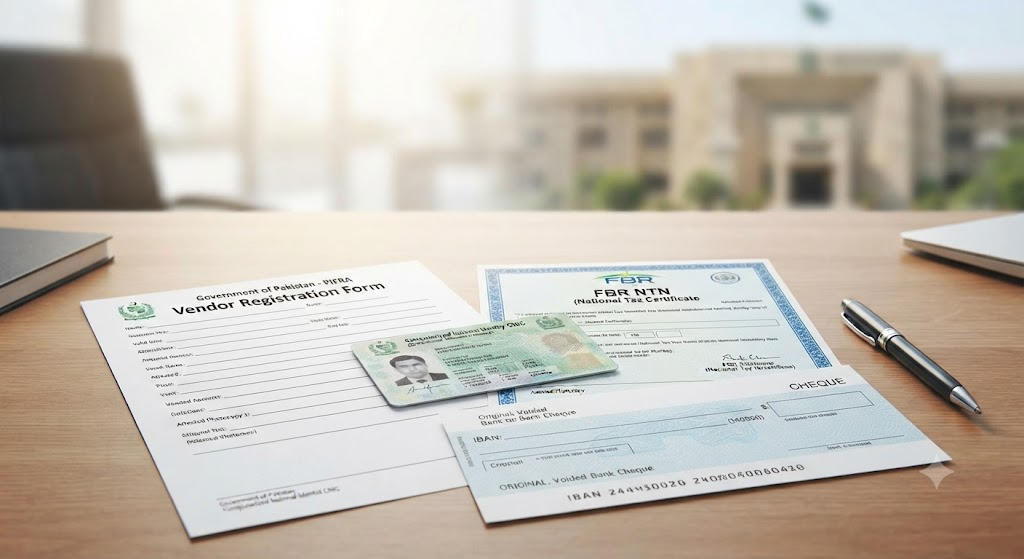
- Attested Copy of CNIC: For sole proprietors or company directors.
- FBR Registration Proof: Copy of National Tax Number (NTN) certificate and Sales Tax Registration Number (STRN).
- Bank Verification (IBAN Proof): An original Account Maintenance Certificate (AMC) issued by your bank, or an original cancelled cheque clearly showing your account title and full 24-digit IBAN.
- Work Order / Contract Letter: Copy of the formal supply order, tender award letter, or contract agreement issued by the procuring department.
3. Submission & DDO Attestation
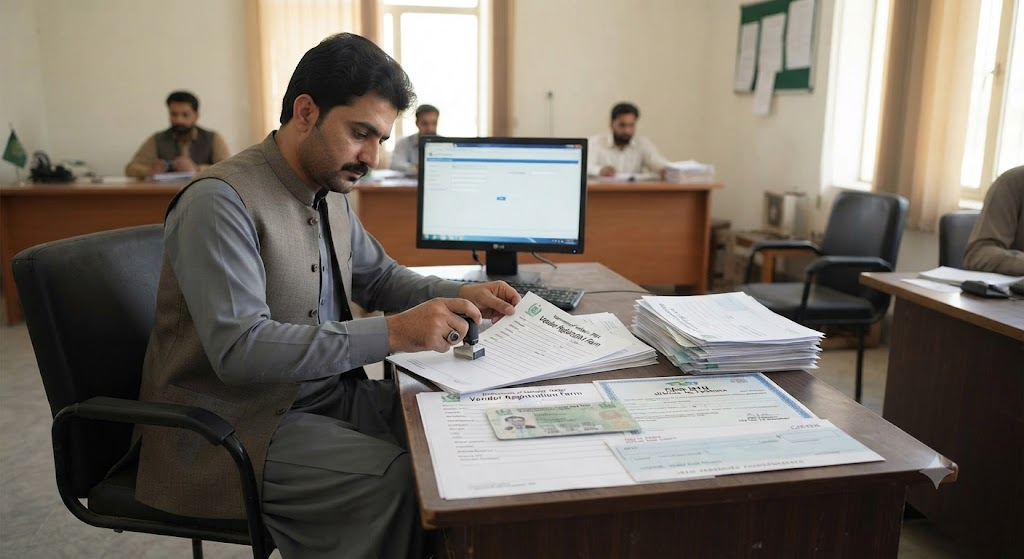
Submit the completed form along with all attachments to the Drawing and Disbursing Officer (DDO) of the procuring department. The DDO will verify the documentation, sign the application, and forward the file to the pre-audit section of the local treasury/accounts office.
4. System Processing & Code Generation
The data entry desk at the AGPR or DAO inputs your business credentials into the SAP-FABS system. Once approved by the treasury officer, the system generates a unique 8-digit or 10-digit Vendor Code.
| CL. | TOKENNO | Year | Profit Ctr | CoCd | Start Date | User Name | OTOKENNO | SECTIONCODE | AMOUNT | Cost Ctr | DocumentNo | User Name | Pstng Date | Time | Terminal | |
|---|---|---|---|---|---|---|---|---|---|---|---|---|---|---|---|---|
Phase 2: Registration for Government Employees & Pensioners
For public sector personnel and retirees, registration is handled through internal departmental procedures:
- Employee Data Sheet: Fill out the standardized Employee Master Data Form provided by your department’s Establishment or Accounts branch.
- Submit Verification Docs: Provide an attested CNIC copy, service join letter/notification, and a verified bank account statement featuring your full 24-digit IBAN.
- Treasury Entry: The DDO submits your master profile to the accounts office, where it is converted into an active Personnel / Vendor Profile.
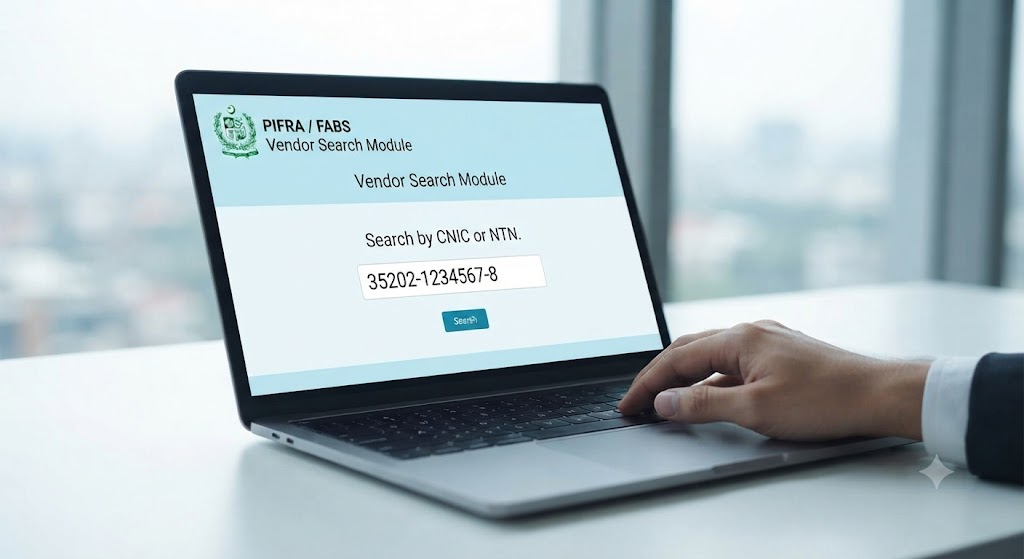
How to Search & Verify Your PIFRA Vendor Number Online
If you are unsure whether your vendor profile has been created, or if you need to verify your active IBAN details before an upcoming payment, check your status online:
1. Access the Official Web Portal
Navigate to the official Controller General of Accounts (CGA) / FABS Services portal or the vendor portal of your respective Provincial Accountant General Office.
+-----------------------------------------------------------------+
|             PIFRA / FABS Vendor Search Module                   |
+-----------------------------------------------------------------+
|  Search By:       (o) CNIC        ( ) NTN        ( ) Vendor Code|
|                                                                 |
|  Enter Number:    [ 35202-XXXXXXXX-X ]                          |
|                                                                 |
|                   [ SEARCH DATABASE ]                           |
|                                                                 |
|  Output Record:                                                 |
|  • Vendor Name:    M/S ABC Traders                              |
|  • Vendor Code:    30048129                                     |
|  • CNIC/NTN:       1234567-8                                    |
|  • Linked IBAN:    PK36ABNA0000001234567801 (Verified)          |
|  • Status:         ACTIVE                                       |
+-----------------------------------------------------------------+
2. Enter Search Parameters
- Select your primary search criteria: CNIC Number (for individuals/sole proprietors) or NTN (for registered firms).
- Type the 13-digit CNIC (without dashes) or your official NTN into the designated search bar.
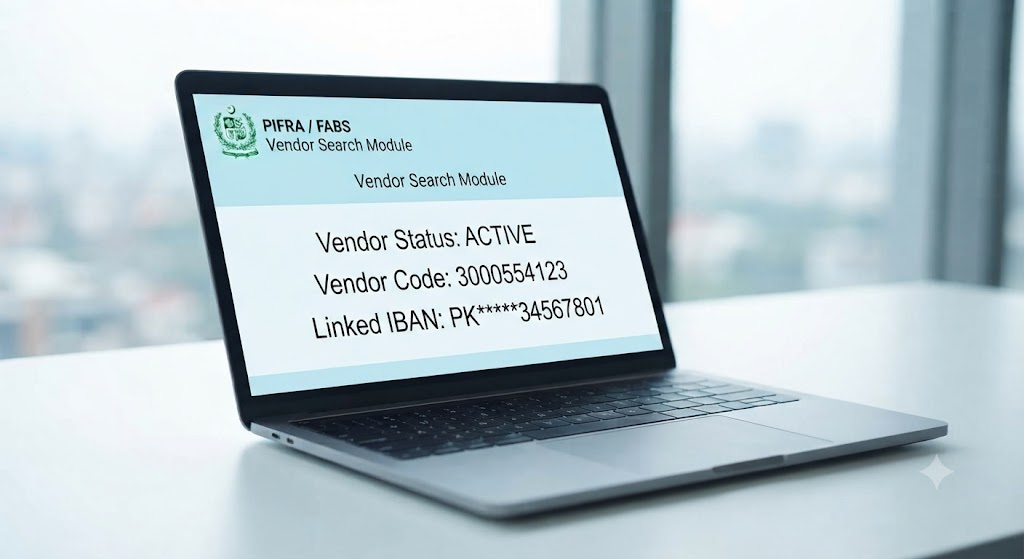
3. Review Profile Output
Click Search. The database returns your profile details, including:
- Official Vendor Name
- Assigned Vendor Code
- Linked Bank Title & 24-Digit IBAN
- Current Status (Active, Dormant, or Blocked)
Note: If your profile search returns no records despite submitting your paperwork, your file may still be in the departmental verification queue or waiting for pre-audit approval.
Tracking Bills and Payments Using Your Vendor Profile
Once your vendor profile is established, you can use your credentials to monitor pending claims, invoices, and payment tokens:
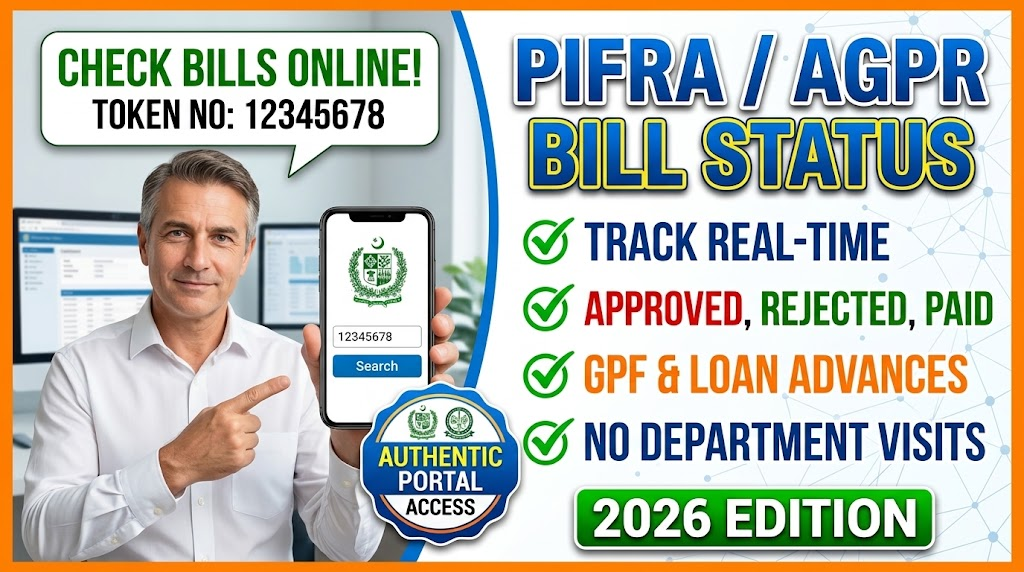
- Token Issuance: When your DDO or vendor representative submits a physical bill to the pre-audit counter at AGPR or the District Accounts Office, a computer-printed Token Receipt is generated.
- Online Tracking: Visit the PIFRA / CGA Bills Tracking System portal (e.g.,
m.pifra.gov.pk/token_page#). - Status Review: Enter your assigned Token Number to view real-time audit updates (e.g., In Review, Pre-Audit Passed, Cheque Printed, or EFT Processed).
How to Update Your Banking & Personal Information
If your bank account changes, or if you need to update your contact details, you must modify your master vendor profile. Incorrect or outdated bank information causes direct deposit bounces and holds payments.
┌────────────────────────────────────────────────────────┐
│           IBAN / Bank Change Procedure                 │
├────────────────────────────────────────────────────────┤
│  [Step 1] Obtain Bank Maintenance Certificate          │
│           (Showing new 24-Digit IBAN)                  │
│                           │                            │
│                           ▼                            │
│  [Step 2] Submit Written Application via DDO           │
│           (With Attested CNIC Copy)                    │
│                           │                            │
│                           ▼                            │
│  [Step 3] Pre-Audit Counter Update                     │
│           (Treasury Officer Updates FABS Record)       │
└────────────────────────────────────────────────────────┘
Updating Bank Account (IBAN) Details
Due to strict anti-fraud measures, you cannot change your linked IBAN directly online through the website. You must follow this formal update procedure:
- Obtain New Bank Verification: Request an official Account Maintenance Certificate (AMC) from your new bank, or prepare an original cancelled cheque displaying your new 24-digit IBAN.
- Submit Application via DDO: Draft a formal written request addressed to the Accountant General or District Accounts Officer. Have your procuring department’s DDO endorse and stamp the application.
- Manual Database Correction: The treasury data entry team updates your profile in the SAP-FABS master database. Future disbursements will automatically direct to your updated bank account.
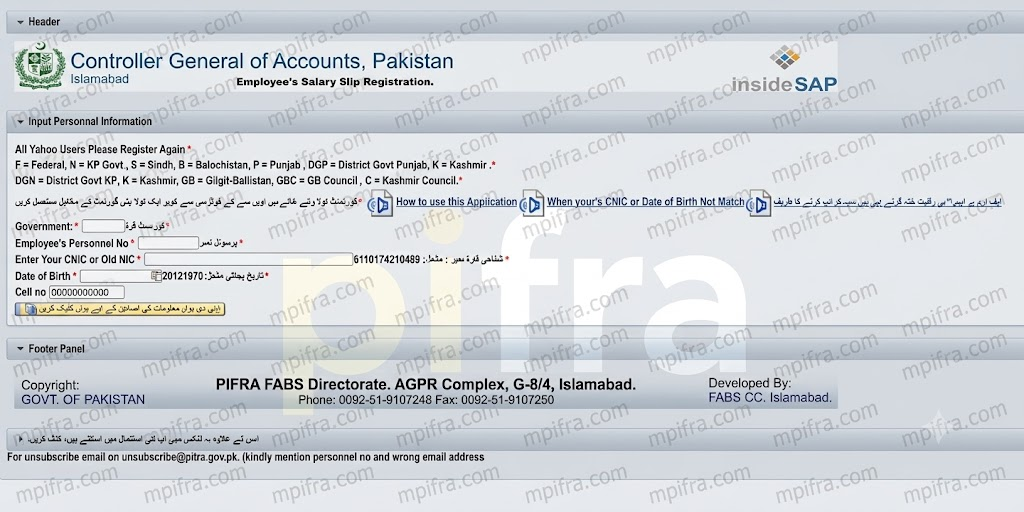
Updating Registered Email Address or Mobile Number
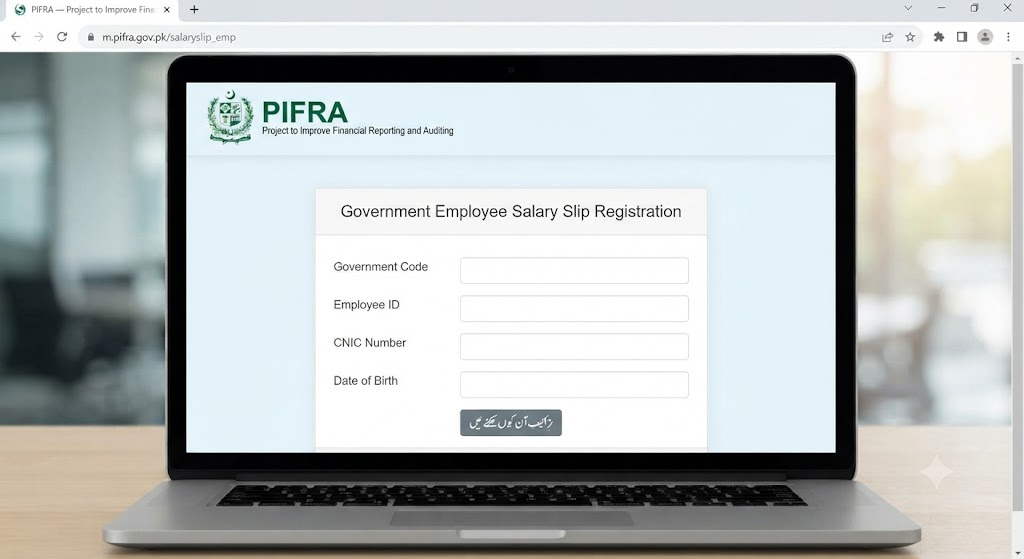
For salary slip delivery or notification preferences:
- Via Email: Send a formal request containing your Name, CNIC, Personnel Number, and old/new email addresses to
unsubscribe@pifra.gov.pk. - Via Phone Support: Call the FABS Directorate helpline at
051-9107248for direct de-linking assistance.
Troubleshooting Common Vendor Issues
When dealing with government bill processing, vendors may encounter common technical or administrative errors. Here is how to resolve them:
| Common Issue | Primary Cause | Resolution / Next Steps |
| Payment Credit Failed / Bounced | Mismatch in account title, dormant bank account, or incorrect IBAN sequence in FABS database. | Submit a fresh Bank Account Maintenance Certificate through your DDO to update your vendor profile. |
| Record Not Found During Online Search | The vendor creation request has not yet been processed by the accounts office entry desk. | Check with your DDO to verify if the physical registration form was forwarded to AGPR/DAO. |
| Wrong Tax Deducted from Invoices | Active filer status not updated in the vendor system, or missing NTN linking. | Provide your latest FBR Active Taxpayer List (ATL) printout to the pre-audit section to update your tax category. |
| Multiple Vendor Codes Created | Duplicate forms submitted across different departments under different initial names. | Request the local Accounts Office to merge duplicate profiles under your primary CNIC/NTN code. |
Frequently Asked Questions (FAQs)
Yes. Your PIFRA Vendor Number is tied directly to your unique CNIC or NTN within the central SAP-FABS database. Once created, any federal, provincial, or municipal department across Pakistan can process payments using that same vendor code.
Once your DDO submits the completed registration form along with verified bank credentials to the Accountant General or District Accounts Office, system entry typically takes 2 to 5 business days.
No. Your PIFRA Vendor Number remains permanently active in the government database. However, if your linked bank account becomes dormant or if your tax status changes, your profile may require an administrative update through your DDO.
Currently, initial vendor profile creation requires physical submission and departmental endorsement through a registered DDO. Once your profile is active, you can track bills, check vendor statuses, and manage preferences through online portals.