
Retirement is easier to plan when you know your pension figure in advance. This free pension calculator for Pakistan lets federal and KPK government employees estimate their monthly pension from service dates and last drawn pay. It takes about a minute and needs no registration.
Fill in the form and press Calculate pension.
Why Check Your Pension Before You Retire?
Many employees see their final pension figure only when the retirement paperwork reaches the accounts office. By then, small mistakes are hard to fix. Common problems are a missed retiring-year increment, a wrongly counted period of service, or the wrong government category applied to the annual increases.
A quick estimate in advance gives you a reference number. If the figure on your pension papers is very different, you can ask questions while there is still time.
What the Calculator Shows
After you enter your details, you get:
- Gross monthly pension
- Commutation (lump sum) amount and the date your pension is restored
- Annual pension increases applied for your government category
- Medical allowance and, where applicable, orderly allowance
- Net monthly pension payable
Pension Formula Used in Pakistan
The standard civil service formula is:
Gross Pension = (Emoluments × Qualifying Service × 7) ÷ 300
- Emoluments: last basic pay plus pensionable elements such as special pay, personal pay or qualification pay, where allowed.
- Qualifying Service: completed years of service counted for pension, capped at 30 years.
At the 30-year cap, this works out to 70% of emoluments. The calculator also checks whether your retirement date makes you eligible for a retiring-year increment.
Pension Increase in 2026
The federal government approved a 7% increase in pensions for FY 2026-27, effective 1 July 2026. Federal pensioners paid through AGPR get the federal rate. Punjab announced a different rate (3.5%) for its own pensioners. Please select the correct government category in the calculator, because annual increases are applied differently.
How to Use This Calculator
- Choose the pension type. Superannuation (retirement at 60), retiring (early retirement), death during service, or death after retirement.
- Enter your dates. Date of birth, date of appointment and date of retirement. The tool works out your age, total service and qualifying service.
- Enter pay details. Select your BPS (1 to 22) and your last basic pay, excluding allowances. Add any pensionable special, personal or qualification pay.
- Set commutation. Use the slider between 0% and 35%.
- Select Federal or KPK. This makes sure the right annual increases are used.
- View and print. Save a copy of the result for your records.
Types of Pension
Superannuation pension: for employees who complete service and retire at 60.
Retiring pension: for employees who choose to retire early after meeting the minimum qualifying service.
Death during service: the family receives benefits under the government’s rules for such cases.
Death after retirement: the family receives family pension as per the rules in force.
Family benefit percentages and conditions can be updated by the Finance Division, so always confirm the current rule with your accounts office.
Commutation of Pension
Commutation means exchanging part of your monthly pension for a one-time lump sum at retirement. You can commute up to 35% of your gross pension. The lump sum depends on your age and the government’s commutation table.
Your monthly pension stays reduced until the restoration date, which comes after a fixed number of years. Before choosing the full 35%, look at the restoration date the calculator shows you. Some retirees only learn how long restoration takes after signing the papers.
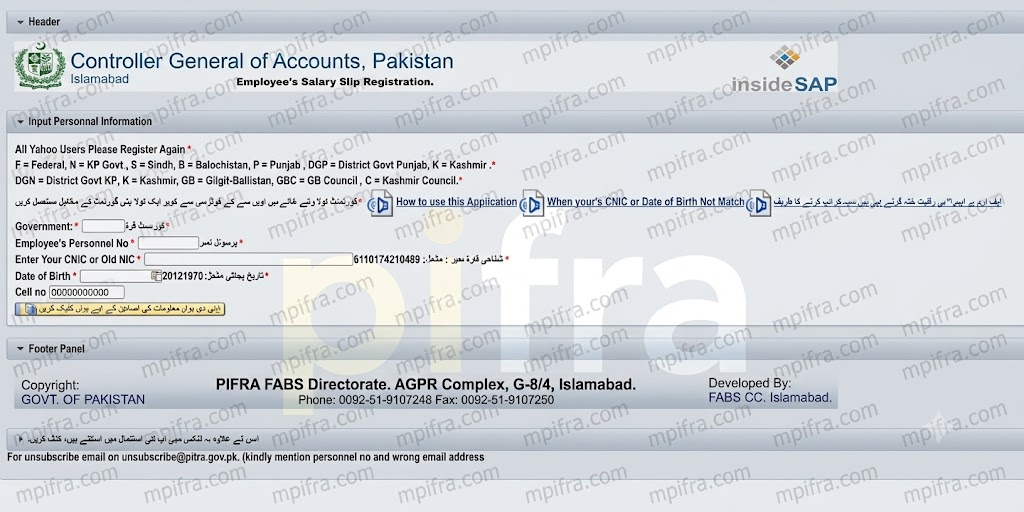
Related reading: How to register on PIFRA and check your payroll/pension details
Taxes on Pension
The 2026-27 federal budget kept pension income up to Rs. 10 million per year fully exempt from income tax. Your own situation may differ, so check with the relevant tax authority if you have other income.
Frequently Asked Questions
What is the pension formula for government employees in Pakistan?
Emoluments × qualifying service × 7 ÷ 300, with qualifying service capped at 30 years.
How is qualifying service calculated?
It is counted from your appointment date to retirement, after excluding any periods that the rules do not allow. The maximum counted is 30 years.
Is there any difference between KPK and Federal calculation?
Yes. The annual increases applied can differ between the two, so choose your government in the calculator.
What is the retiring-year increment?
An increment that may be added to emoluments depending on your retirement date, as per government rules. The calculator applies it automatically.
What is the maximum commutation?
35% of gross pension.
Can I use the calculator on my phone?
Yes. It works in any mobile or desktop browser.
Final Word
Use this calculator for planning, then confirm the final amount with your AGPR or departmental accounts office, since they are the final authority.
This tool gives an estimate based on published government pension rules. Actual pension depends on your service record and official orders at the time of retirement.