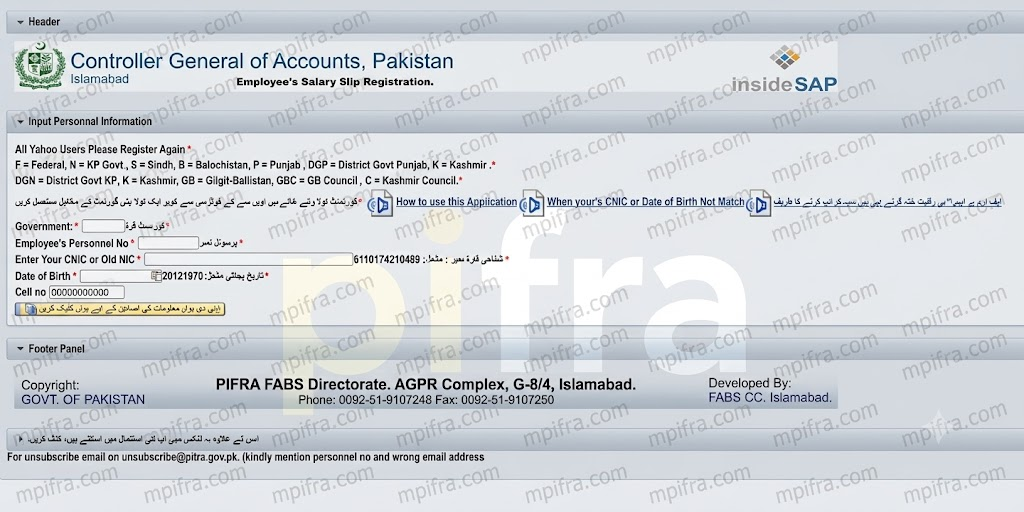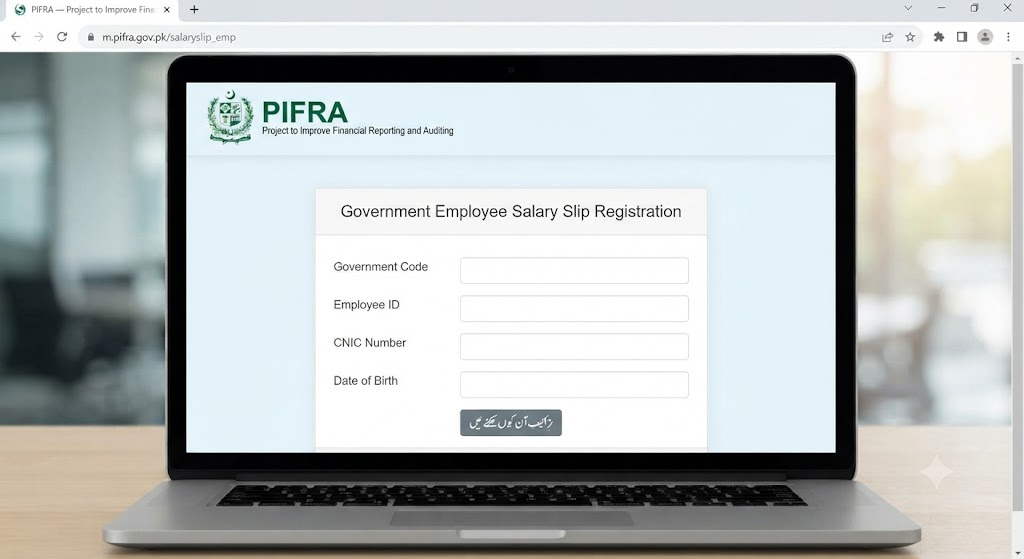
Managing public expenditure, vendor claims, and employee advances across federal and provincial departments in Pakistan once involved lengthy manual paperwork, physical file tracking, and prolonged waiting periods. With the integration of the Project to Improve Financial Reporting & Auditing (PIFRA), the Financial Accounting & Budgeting System (FABS) under the Controller General of Accounts (CGA), and the Accountant General Pakistan Revenues (AGPR), financial tracking has been modernized.
Today, public servants, government contractors, suppliers, and institutional stakeholders can monitor payment claims, loan requests, and fund disbursements in real time without physically visiting accounts offices.
This detailed guide outlines the entire process of tracking PIFRA and AGPR bill statuses online, understanding workflow phases, resolving submission errors, and managing advances such as House Building Advance (HBA), General Provident Fund (GPF), and salary advances.
Keeping track of government salaries, pensions, or vendor payments used to mean endless phone calls and office visits. Fortunately, the Accountant General Pakistan Revenues (AGPR) has rolled out a centralized online system designed to make checking your PIFRA bill status completely hassle-free.
Whether you are a government employee, a Drawing and Disbursing Officer (DDO), or a vendor, you can now monitor your financial documents from anywhere in Pakistan around the clock.
The online Bill Tracking System is a central module developed under the FABS infrastructure for the Controller General of Accounts, Pakistan. It allows individuals and departments to track the status of bills submitted to District Accounts Offices (DAOs), Provincial Accountant General (AG) Offices, and AGPR sub-offices across the nation.
       [ Department / DDO ]
                 │ (Generates Claim & Issues Token)
                 ▼
  [ District Accounts Office / AGPR ]
                 │ (Pre-Audit & SAP ERP Data Entry)
                 ▼
  [ Centralized PIFRA / FABS Server ] ──► Real-Time Online Status Tracking
By connecting the SAP-ERP system used by the federal and provincial treasuries with web access portals, the system offers complete transparency over claim processing, pre-audit stages, approval cycles, and payment releases.
The centralized tracking platform caters to diverse financial transactions generated within government administrative units:
- Vendor and Contractor Bills: Payment claims for civil works, procurement of goods, office supplies, service maintenance, and utility bills.
- House Building Advance (HBA): Loan applications submitted by government employees for land purchase, construction, or structural renovation.
- General Provident Fund (GPF) Advances: Refundable and non-refundable GP Fund withdrawal applications.
- Conveyance & Car Advances: Loans allocated for purchasing motor vehicles, motorcycles, or bicycles.
- Salary Advances & T.A./D.A. Claims: Traveling allowance, daily allowance, transfer grants, and emergency salary advances.
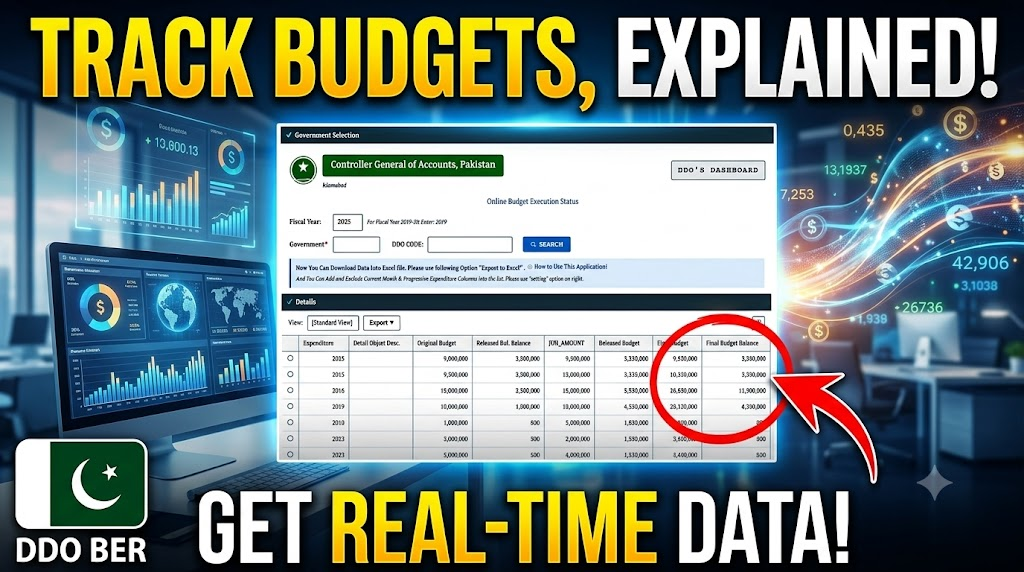
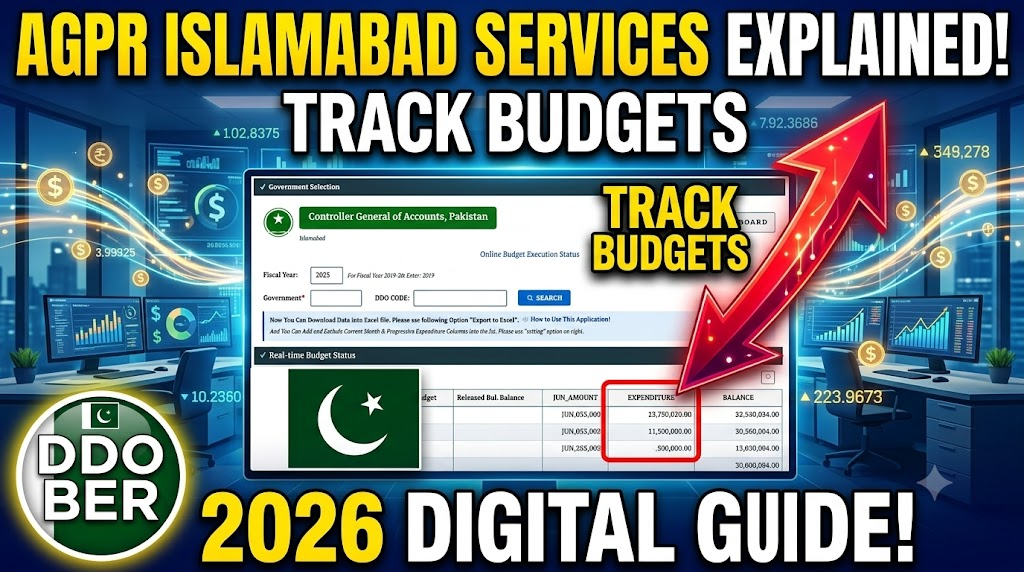
- DDO Budget Execution Reports (BER): Direct tracking tools used by Drawing and Disbursing Officers (DDOs) to monitor operational expenditures and budget balances.
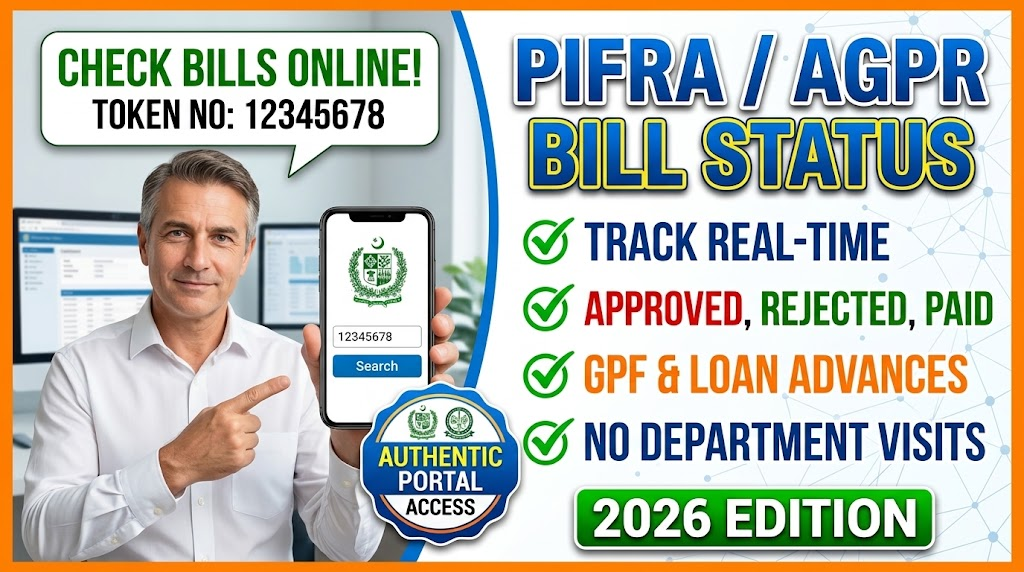
The Controller General of Accounts provides web interface applications (accessible through dedicated portal addresses such as m.pifra.gov.pk/token_page# or the official AGPR/FABS services dashboards) to track claims using a unique token number.
+-----------------------------------------------------------------+
|              Controller General of Accounts, Pakistan           |
|                       Bills Tracking System                     |
+-----------------------------------------------------------------+
|  Enter Token No  [______________________]                       |
|                                                                 |
|  Bill Status:                                                   |
|                                                                 |
|  [> How To Use This Application]                                |
|  [> Contact Us: FABS Directorate, AGPR Complex, G-8/4, Isb]     |
+-----------------------------------------------------------------+
When a financial claim or bill is formally submitted to the relevant pre-audit counter at AGPR or the local District Accounts Office, the receiving officer generates a computer-printed receipt carrying a specific Token Number (or Form Identification Number – FID).
- Ensure you keep this token receipt safe, as the token number serves as the primary tracking key.
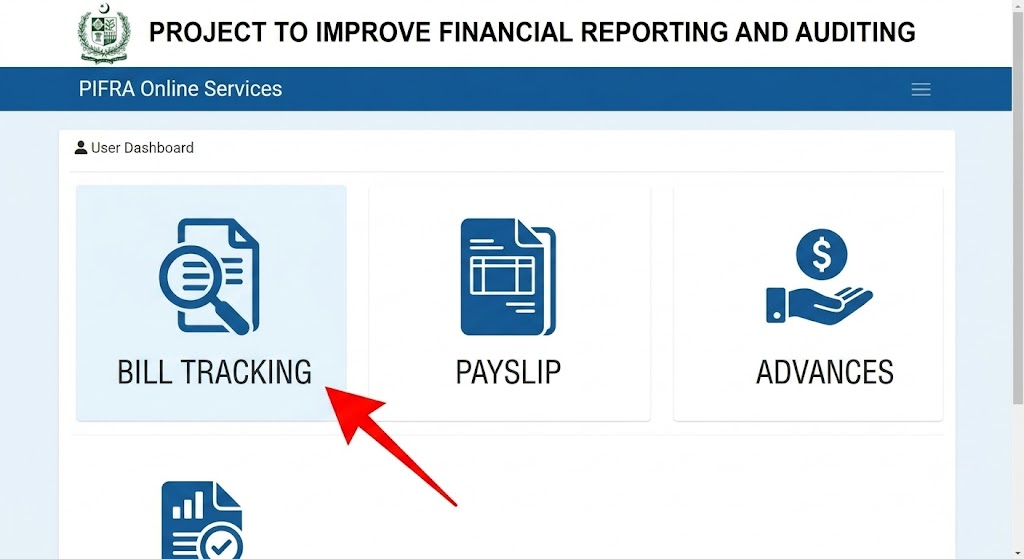
Step 2: Access the Official Tracking Portal
- Navigate to the official portal page (e.g., the CGA Bills Tracking interface at
m.pifra.gov.pk/token_page#or via the AGPR/FABS services section). - Verify that you are using an official domain managed by the FABS Directorate or Accountant General office to ensure security.
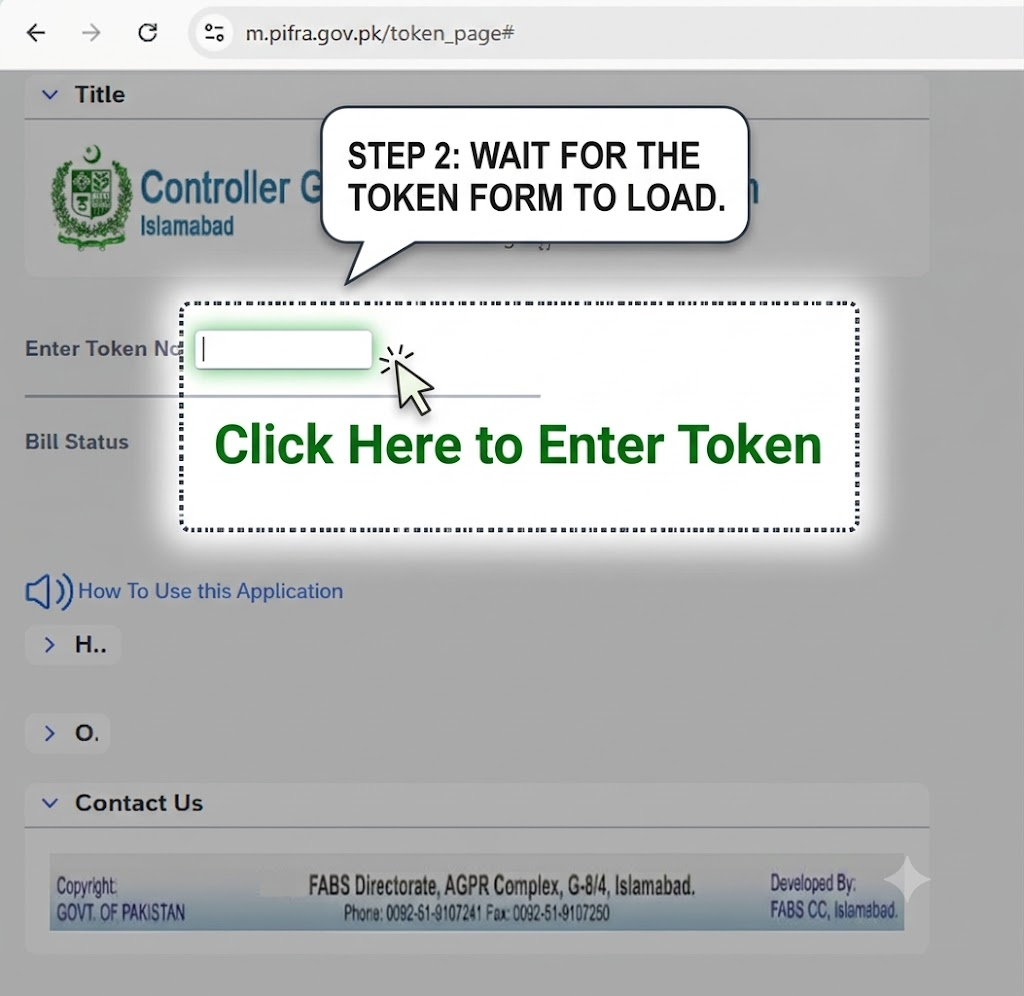
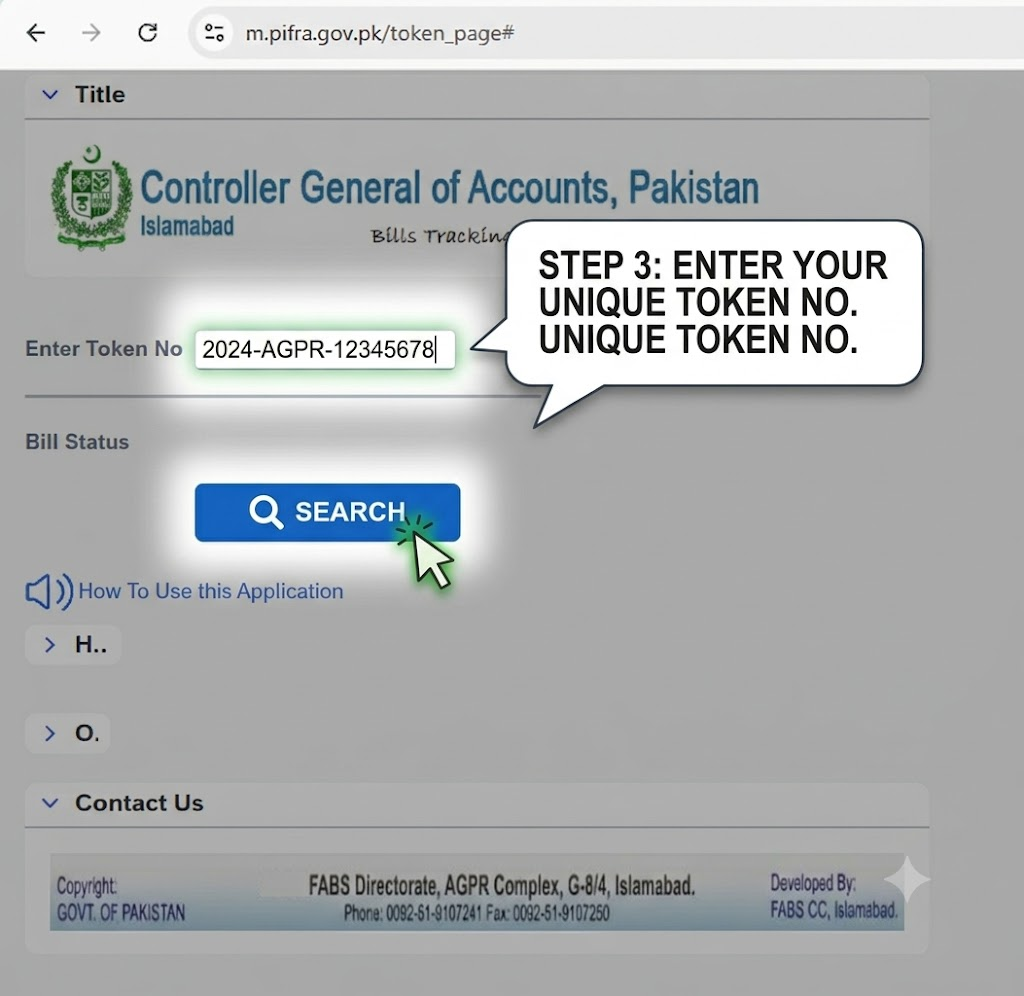
Step 3: Enter the Details and Submit
- Locate the input field labeled “Enter Token No” or “Token / FID No”.
- Type your specific token code without extra spaces or dashes.
- Click the Submit or Check Status button to pull the real-time record directly from the central SAP ERP database.
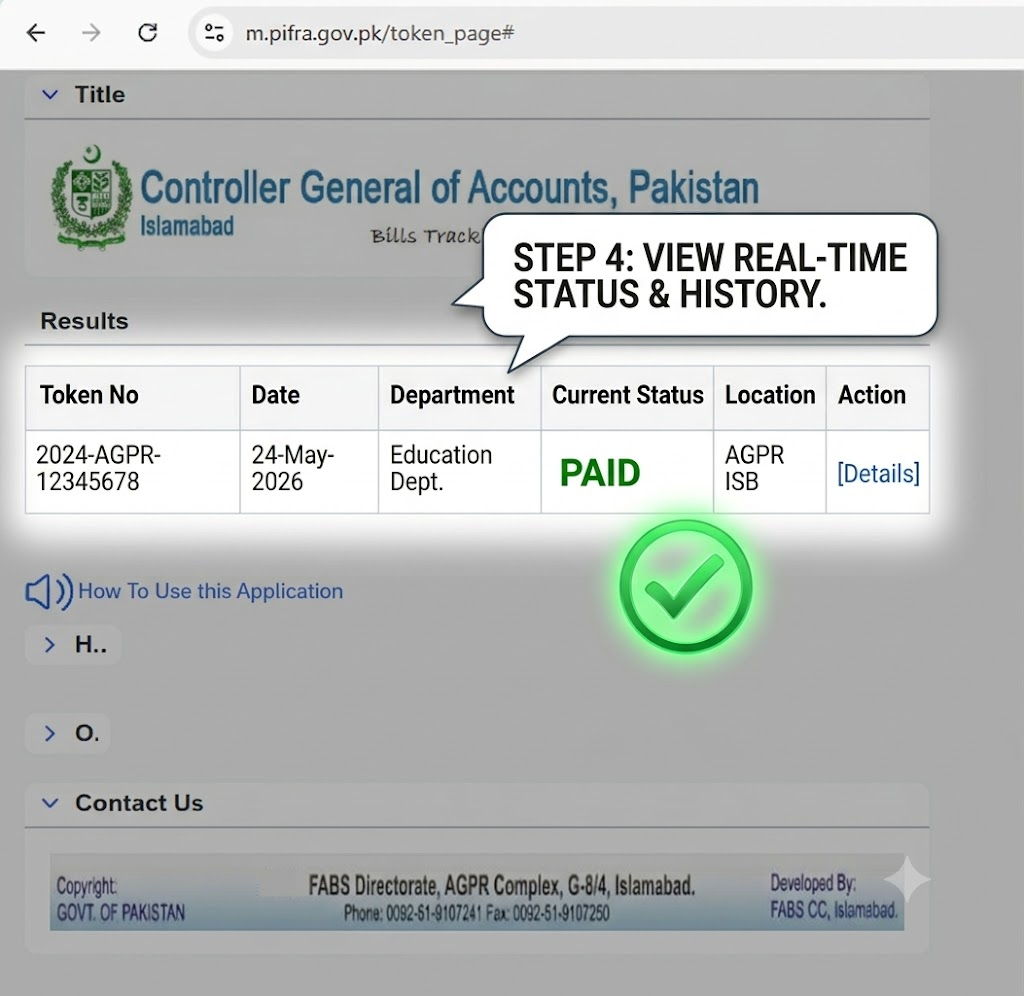
Step 4: Interpret the Detailed Tracking Output
Once submitted, the system displays the complete audit log, including:
- Current Status: Indicates whether the bill is Pending, Approved, In Progress, Rejected, or Paid.
- Office & Seat Location: Displays the specific section, auditor desk, or authority level currently holding the file.
- Voucher / Cheque Details: Lists the cheque number or Electronic Fund Transfer (EFT) reference code once payment execution begins.
When tracking a claim, the database returns specific status designations representing the exact stage of audit or disbursement. The table below explains each stage in detail:
| Status Keyword | Operational Meaning | Action Required by Applicant |
| Pending / In Review | The bill has been received at the audit counter and is waiting for assigned auditor review. | No action required. Check back after 24–48 hours. |
| In Progress | The claim is undergoing pre-audit scrutiny, budget verification, and tax clearance. | Maintain regular tracking to check if any audit observation is raised. |
| Approved / Passed | The pre-audit team verified the claim, and payment authorization has been issued. | Payment is queued for cheque printing or direct bank credit via MPG/EFT. |
| Paid / Cheque Issued | The money has been transferred electronically or a payment cheque/advice has been generated. | Verify direct bank deposit or collect the cheque from the accounts office counter. |
| Objected / Returned | An audit objection or administrative anomaly was detected during verification. | Contact your department’s DDO to receive the observation memo and rectify defects. |
| Rejected | The bill was cancelled due to non-compliance, unauthorized expenditure, or missing sanction. | Re-initiate the file from the parent department after meeting formal criteria. |
1. AGPR Bill Tracking for Vendors & Contractors
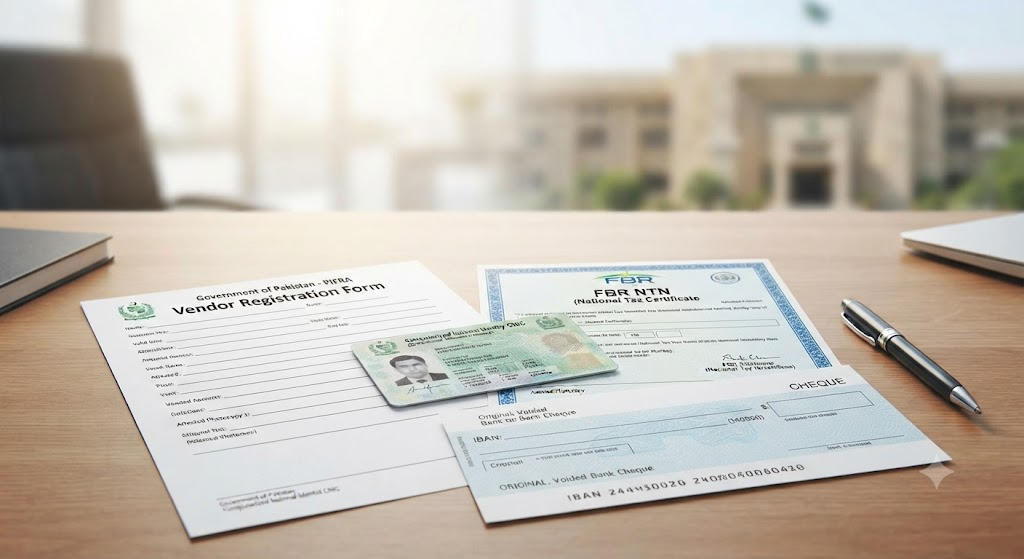
Vendors receiving payments for government contracts can monitor claim progress using either their designated Token Number or their registered Vendor Code / CNIC / NTN:
- Access the AGPR Vendor Payment Status module on the main AGPR/FABS web application.
- Enter your Vendor ID or NTN/CNIC to review payments processed through standard cheques or the Master Payment Gateway (MPG).
- Verify IBAN registration status in the system to prevent transfer delays caused by invalid banking credentials.
2. Tracking HBA (House Building Advance) & GP Fund Status
Government employees tracking long-term loans or fund withdrawals should follow these targeted steps:
- Verify that your department has forwarded the formal sanction order along with the GPF/HBA application form to AGPR or the District Accounts Office.
- Note the DDO Token Number assigned upon counter submission.
- Access the tracking portal, enter the assigned token, and verify if the claim has passed through the Loans & Advances Section.
- Once the status reads Approved, check your monthly pay slip or bank account to confirm ledger entry and disbursement.
Troubleshooting Common Errors and Status Delays
Important Note: If a bill remains stalled under “In Progress” or “Pending” for longer than the standard 5–7 working days, check for potential technical or procedural bottlenecks.
Issue 1: “Invalid Token Number” or Record Not Found
- Cause: The token number was entered incorrectly, or the newly issued token has not yet synced with the central FABS database server.
- Solution: Double-check the token code printed on your submission receipt. Allow 24 hours after physical submission for fresh entries to appear in the online system.
Issue 2: Bill Marked as “Objected / Returned”
- Cause: Common causes include missing sanctions, non-attestation by the DDO, tax deduction discrepancies, missing tax invoices, or insufficient budget under the specified head of account.
- Solution: Obtain the written objection memo from the pre-audit section. Supply the required documentation or budget re-appropriation order through your department’s finance section and re-submit the file with a fresh token.
Issue 3: Status Shows “Paid”, But Bank Account Not Credited
- Cause: EFT failures due to incorrect IBAN entries, dormant bank accounts, or bank clearing delays.
- Solution: Confirm your IBAN details with your DDO or local AG office. If an EFT bounce occurs, the system will re-queue the payment after account correction.
Direct Support & Contact Details
If technical glitches prevent real-time tracking or if system records differ from physical office processing, contact the FABS Directorate directly:
- Central Directorate: FABS Directorate, AGPR Complex, Sector G-8/4, Islamabad, Pakistan.
- Official Web Portals: fabs.gov.pk | agpr.gov.pk
- Help Desk Phone: +92-51-9107241
- Fax: +92-51-9107250
Frequently Asked Questions (FAQs)
You can check your status online by visiting the official AGPR/PIFRA tracking portal. Enter the unique Token Number assigned to your claim during counter submission to view real-time progress, location, and approval status.
To track an HBA or GP Fund application, obtain the token receipt generated when your department submitted the case to the Accountant General office or DAO. Input this token number into the PIFRA/FABS Bills Tracking portal to review audit progress and payment approval.
A Token Number is a unique computer-generated tracking ID assigned to a financial bill or claim when it is submitted to AGPR or a District Accounts Office. It links the physical claim file directly to its corresponding digital record in the SAP ERP database.
Yes. Drawing and Disbursing Officers (DDOs) can access the DDO Budget Execution Report (BER) and DDO Payments Detail modules on the FABS portal to track overall departmental expenditure, passed/unpassed bills summary, and remaining budget allocations.